Trio features
Software for teaching music and managing your studio
Trio helps music teachers schedule lessons, bill families, and keep track of what each student is learning. Families can see their schedule, pay invoices, and find practice assignments in their own portal.
Explore the features below to see how each part works, with screenshots and details about what’s included.
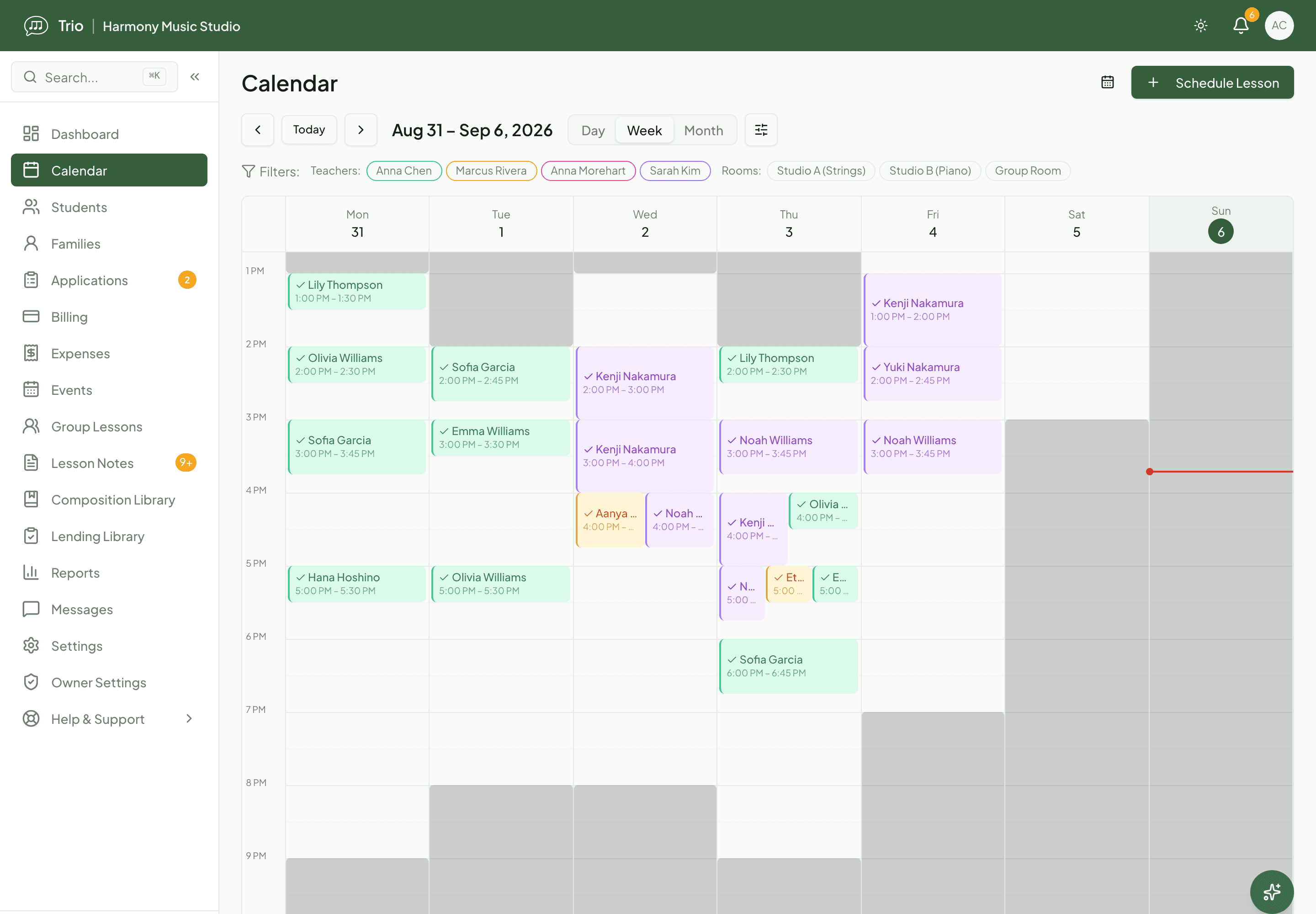
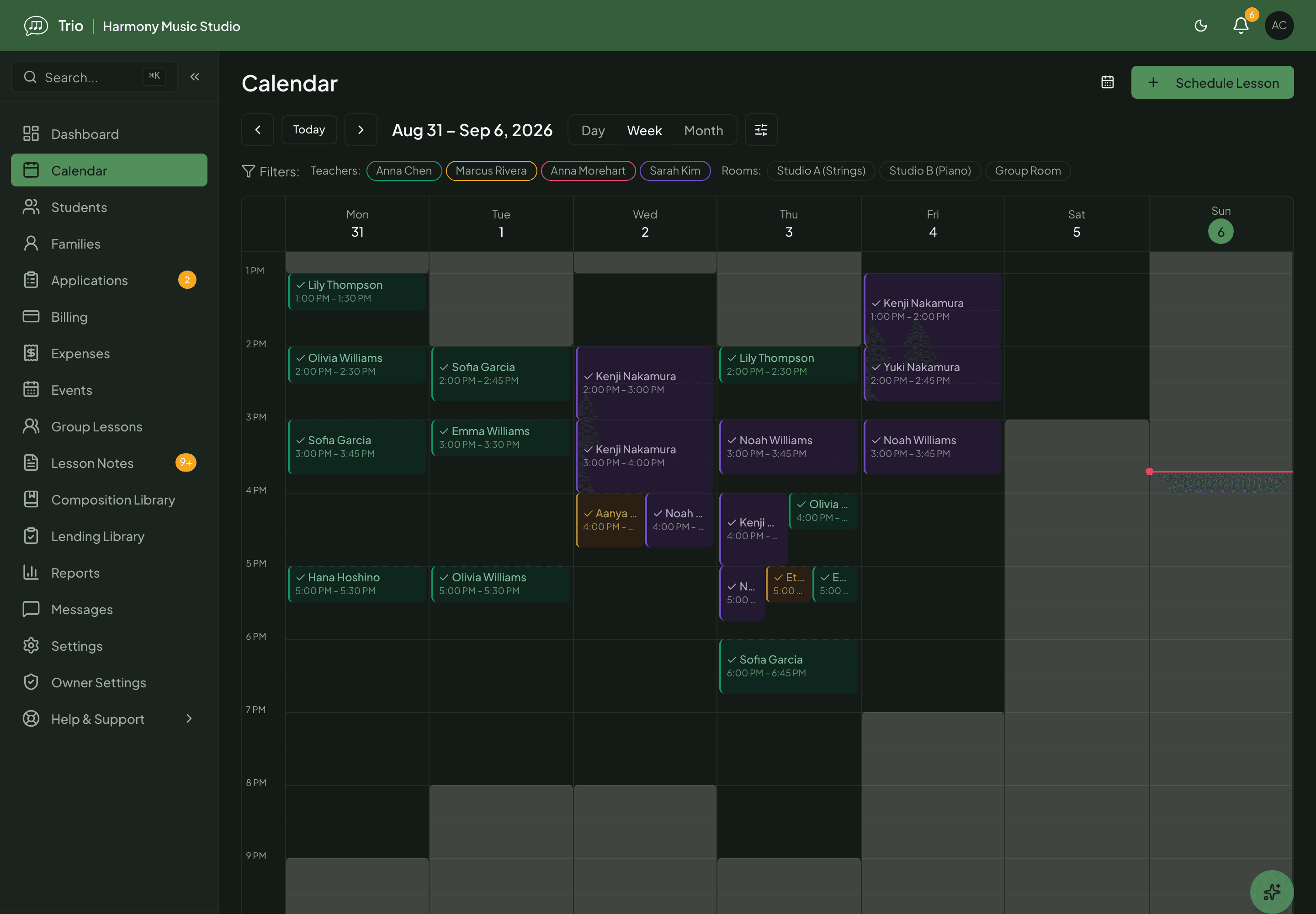
Scheduling & makeups
Keep a recurring lesson schedule, let families book and cancel within your rules, and track makeup credits automatically.
Explore Scheduling & makeupsBilling & payments for music studios
Send one itemized invoice per family, take card and bank payments, and let Trio flag the invoices that need a decision. Invoicing is free; online payments need Pro or Max.
Explore Billing & payments for music studiosLesson notes & teaching
Prepare from last week, teach from one screen, and turn rough notes into a clear summary you choose to share with the family.
Explore Lesson notes & teachingPractice & family engagement
Set clear practice assignments, keep families involved between lessons, and see who needs a nudge before the next lesson.
Explore Practice & family engagementRunning your studio
Take applications, welcome families, keep policies and lending on track, send announcements, run recitals and read the numbers: the back office of a music studio in one place.
Explore Running your studio
Ready to try Trio?
Parent or student? Sign in to your portal.